Company Stamp Artwork
Create a design with the company wording you need for prepared business letters and quotations. Use only artwork you are authorised to apply.

CREATE ARTWORK YOU CAN USE AGAIN
Design stamp artwork in your browser, or upload an existing stamp image. Save a version ready to use on your documents.
Verify your email · 14-day personal trial · 10 completed documents total
A PRACTICAL DOCUMENT TOOL
Give your business, school or organisation a reusable stamp design. Start with a purpose template, choose a round, oval, rectangular or square shape, and edit the wording and colours in the Cigned stamp maker.
You can also upload existing stamp artwork. Review the preview and save a version before applying it to documents. Personal artwork stays in your workspace; teams can manage shared artwork and member permissions on suitable paid plans.
Follow the Steps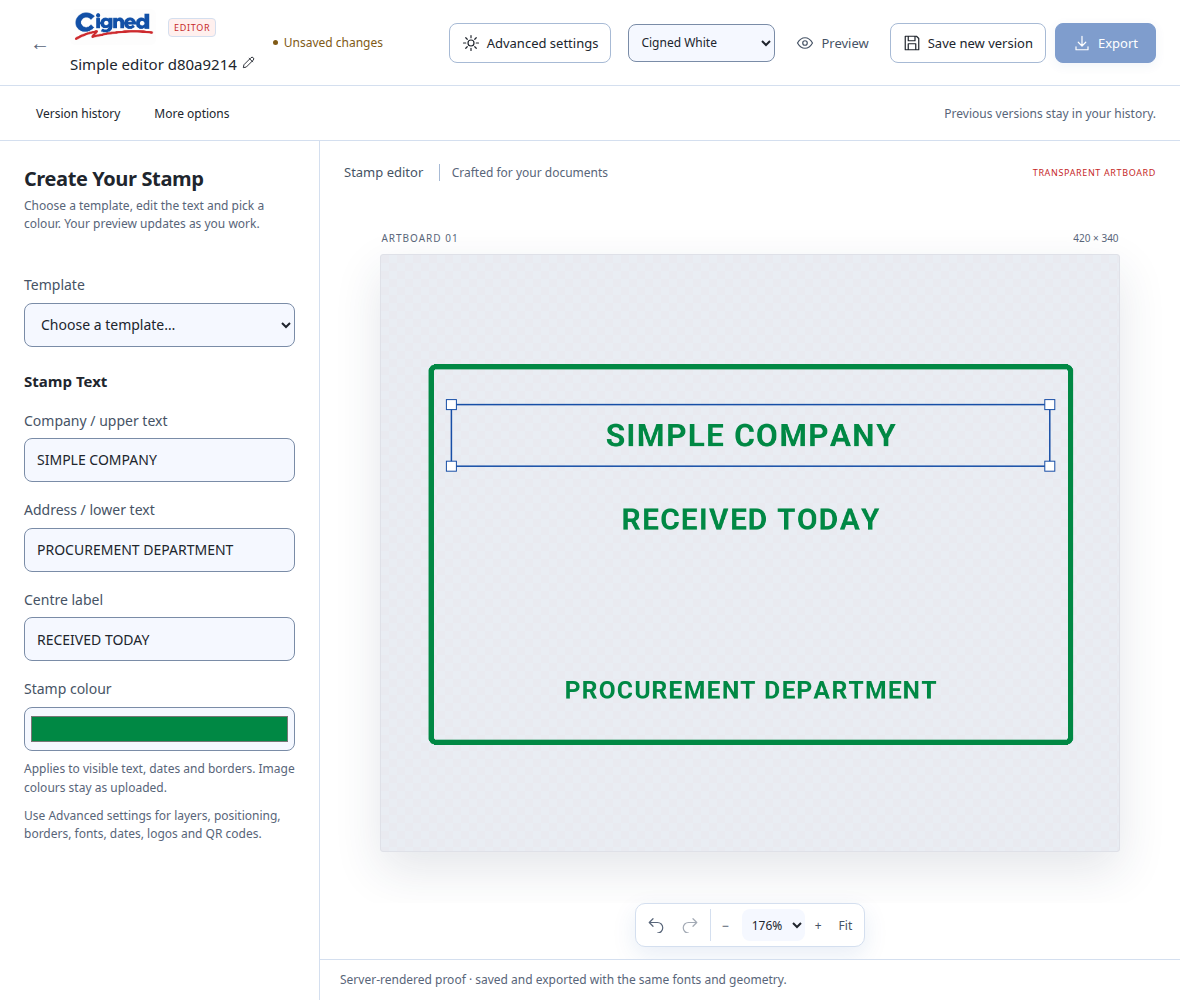
STEP BY STEP
Open Stamps and create a personal stamp, or a team stamp when your plan and permissions allow. Choose to design artwork or upload an image.
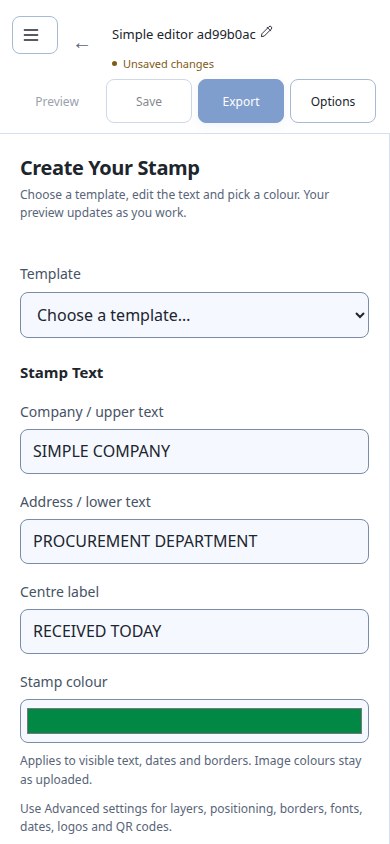
Choose Template and edit the company wording, centre label and Stamp colour. Open Advanced settings for shapes, logos and date elements; on a phone, start with Options.
Check the artwork preview, then choose Save new version (Save on a phone). Saved versions keep a record of the artwork you prepared.
Open Documents, upload your file and select your saved stamp. Place it on the page, review the result and download your completed PDF.
Edit Company / upper text, Address / lower text, Centre label and Stamp colour. On a phone, open Options for Advanced settings. Check the preview before saving.
These are captures of the actual app with example artwork and documents.
Open control closeup ↗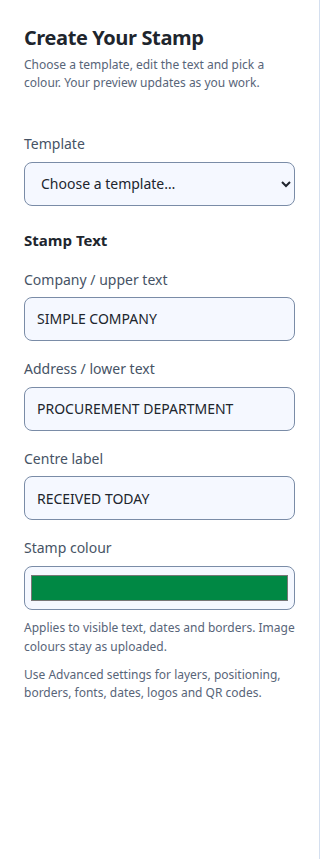
Working from a Word document? Upload the DOCX and check the converted PDF pages before creating your completed copy.
FOR AFRICA’S EVERYDAY WORK
Create a design with the company wording you need for prepared business letters and quotations. Use only artwork you are authorised to apply.
Prepare reusable artwork for school letters, training certificates and programme documents. Check the recipient’s requirements for the finished document.
Upload a PNG or JPEG and preview it in the editor. Transparent PNG artwork works well when placed over a document page.
BEFORE YOU START
Choose the workflow that fits your documents.
Discuss Your WorkflowThe stamp maker creates digital artwork for documents. Cigned does not manufacture or deliver physical rubber stamps.
The designer supports round, oval, rectangle, square and text-only designs. Purpose templates provide starting layouts you can customise.
Yes. The editor supports uploaded logos and date elements. Review your artwork before saving. A date already printed into an uploaded image remains part of that image.
Team-owned artwork supports member permissions. An administrator manages access; membership alone does not grant stamp use. Team capacity depends on your paid plan. The personal trial has no teams.
Save your stamp artwork, open Documents and select it from the Stamp tab. Follow the PDF stamping steps for placement and download.
The designer runs in your browser. Sign in to your Cigned account with an internet connection. See trial access and paid packages.
PUT IT INTO PRACTICE
TRY IT WITH YOUR OWN DOCUMENTS
Verify your email for a 14-day personal trial with 10 completed documents total. Trial PDFs carry “Cigned Trial · cigned.com”.
Owner only · No teams during the trial · Paid access starts after confirmed payment